September 22, 2026·6 min read
White Label Accessibility Reports: What Agencies Should Actually Ask For
A useful client report is a plain-language summary under your branding, not a violation count with someone else's logo on it. Here's what to actually ask for.
A genuinely useful white label accessibility report is a plain-language summary a client can actually understand, under your agency's own branding, not a raw violation count with your vendor's logo stamped on top. If a report requires the client to email you asking what it means, it isn't doing its job yet. Here's what to actually look for, and ask for, before you commit to a tool for client reporting.
#Key Takeaways
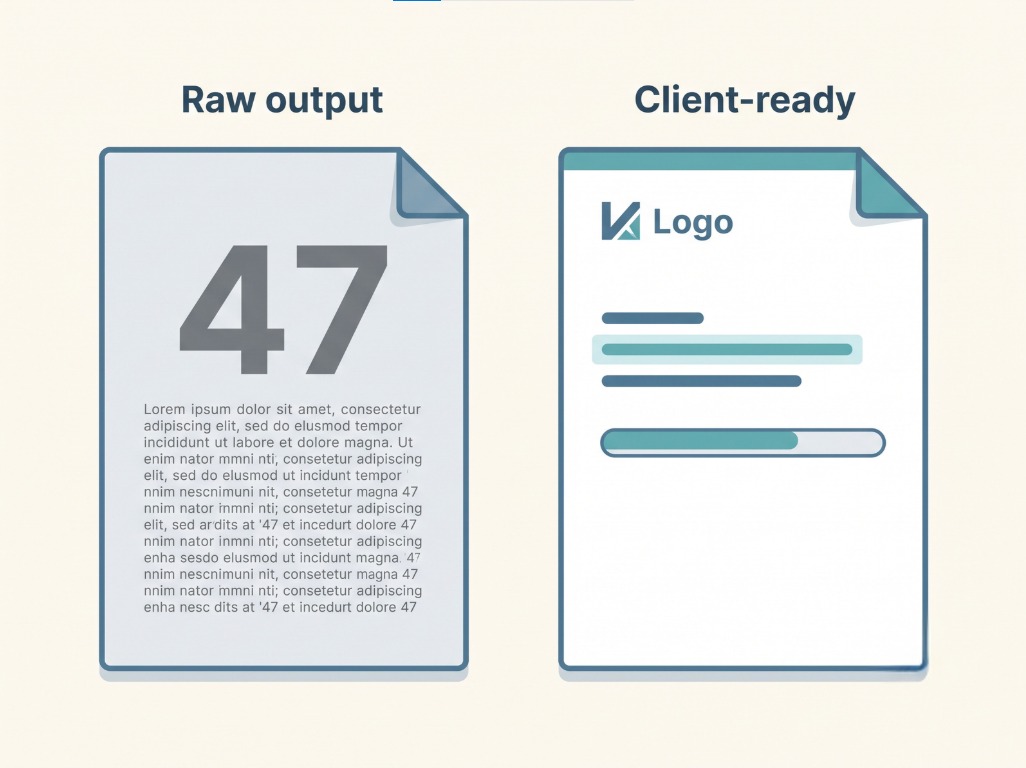
- A raw violation count isn't a report, it's a number. "47 violations found" tells a client nothing about severity, priority, or what happens next.
- "White label" should mean your branding, full stop, your logo, your colors, your agency's name, with your client never seeing the underlying vendor's name unless you choose to show it.
- A useful report separates what's automatically fixed from what still needs review. A client-facing summary that blurs that line sets expectations you'll have to walk back later.
- Plain language matters more here than almost anywhere else. Your client isn't a developer, and a report full of WCAG success-criteria numbers with no translation is a report nobody reads past page one.
- A dated, ongoing record beats a one-time snapshot. A single audit report is a moment in time, a monthly or weekly record shows a client real, continuing effort.
#Why Most "Reports" Aren't Actually Useful to a Client
Most accessibility scanning tools were built to satisfy a developer, and it shows. A raw violation count, a list of WCAG success-criteria numbers, a severity rating with no explanation of what it means in practice, that's genuinely useful information for the person writing the fix. It's close to meaningless for the small business owner or marketing manager who's paying an agency to make this problem go away.
That gap matters more for an agency than it does for a single business handling its own site. A business owner might tolerate a confusing report because it's their own site and their own problem. A client paying an agency expects to understand, at a glance, whether the money they're spending is doing something. A report that requires a follow-up call just to explain what it says is a support cost you didn't budget for, on every single client, every single month.
#What a Genuinely Useful Report Actually Includes
A plain-language summary before anything technical. Something a non-technical reader can absorb in thirty seconds: how many issues were found, what's already been fixed, what's still open, and what that actually means for the client's risk. The technical detail can exist further down the report, for whoever on the client's side wants to see it, but it shouldn't be the first thing they hit.
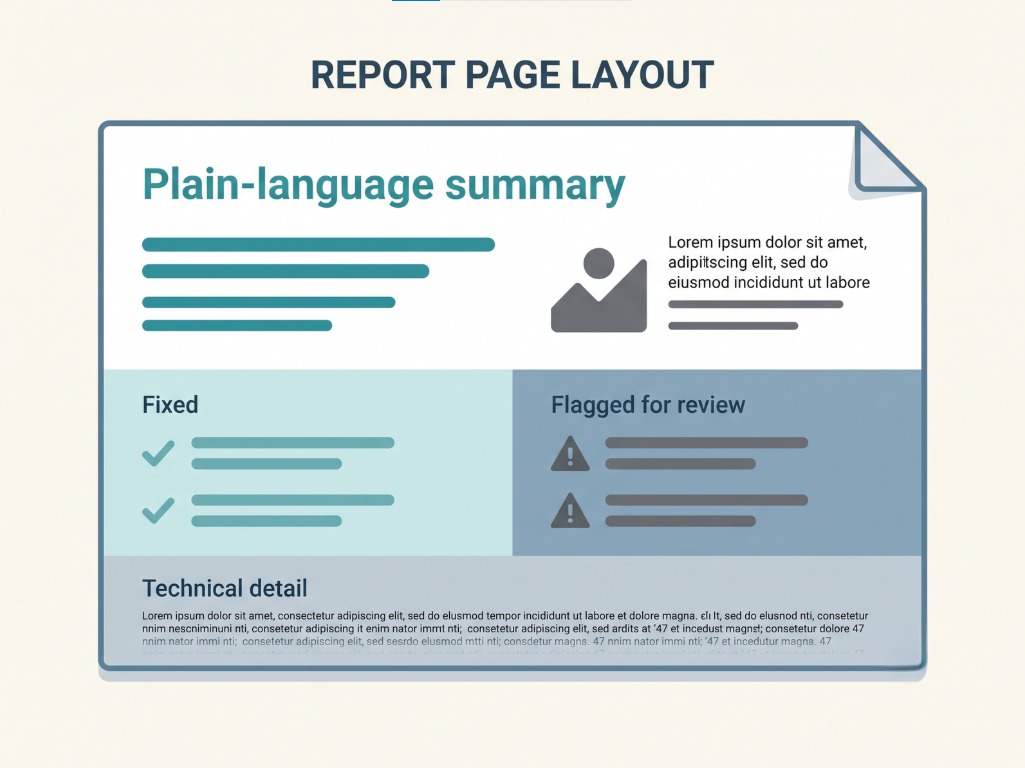
A clear line between automated and manual. A category that got auto-fixed and shipped as a real code change is a different kind of progress than a category flagged for review that still needs a decision. A report that presents both identically, as just two rows in the same table, either overstates what's done or buries what still needs attention. Both are honesty problems, and both eventually become your problem when a client asks why something "already fixed" still shows up in a lawsuit-adjacent conversation.
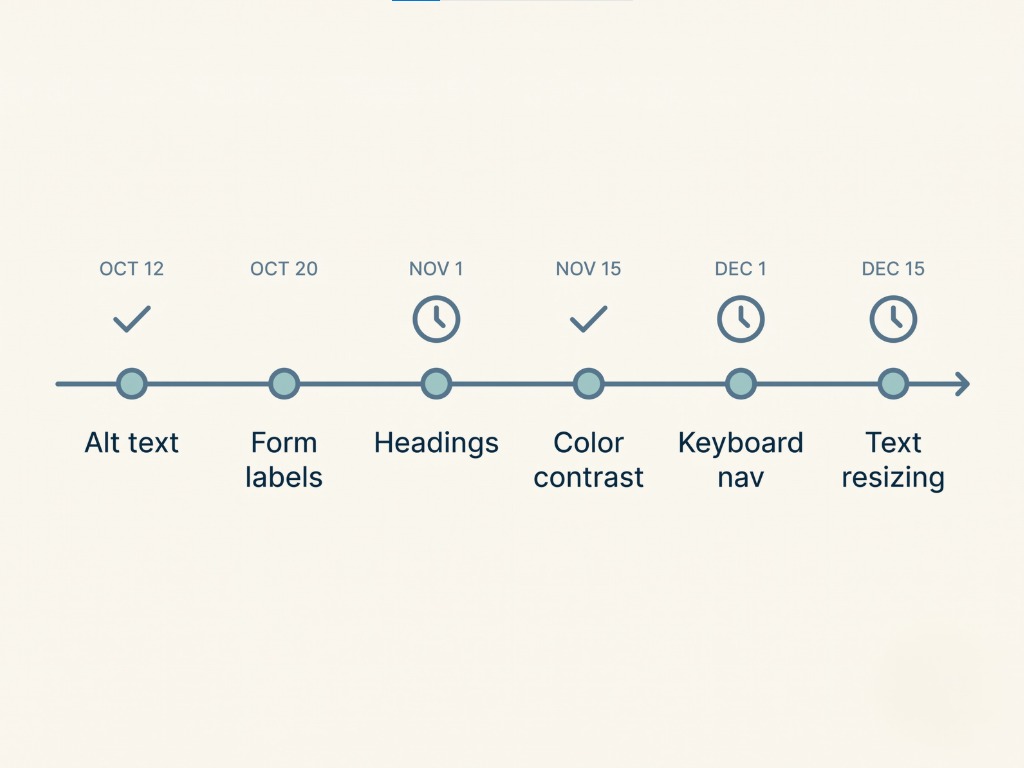
A dated history, not just a current snapshot. A single point-in-time audit tells a client where things stand today. A running, timestamped record, this category fixed on this date, this one flagged and still pending, tells a much more useful story: genuine, ongoing effort a client can actually show someone if they ever need to. That's the same underlying idea as a Good Faith Timeline, applied at the agency-and-client level instead of a single business.
Your branding, not your vendor's. Your logo, your color scheme, your agency's name on the cover and throughout, with the tool that actually did the scanning nowhere the client needs to see it, unless you specifically want them to know. White label should mean exactly that, not a report with someone else's name at the top and yours added as a footnote.
#What "White Label" Should Actually Mean in Practice
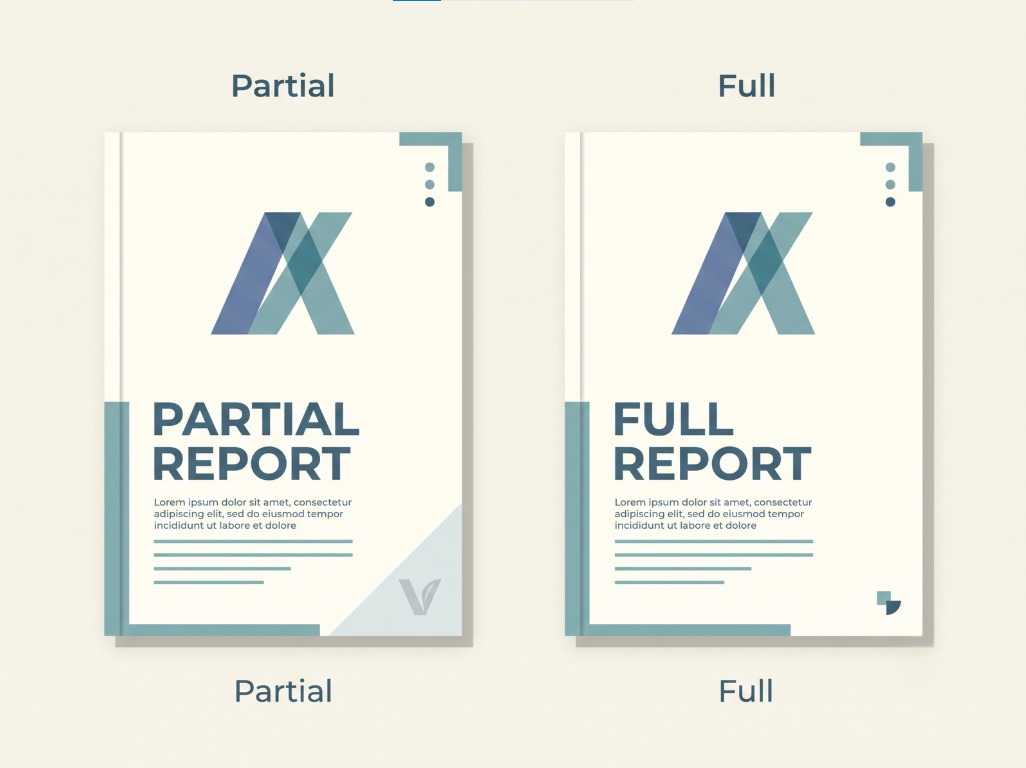
The phrase gets used loosely enough that it's worth being specific about what it should guarantee before you pay for it:
- The client never sees the underlying vendor's name in the report, the portal, or any client-facing communication, unless you choose to disclose it yourself.
- Your logo and colors appear throughout, not just on a cover page slapped in front of someone else's default template.
- The domain or portal link a client uses is yours, or at minimum doesn't obviously belong to a different company.
- You can customize the language, not just the visuals, so the report actually sounds like something your agency wrote, not a generic export with your name pasted on top.
If a tool can only deliver on the first two of those, that's partial white labeling, not full, and it's worth knowing which one you're actually paying for before a client asks a question you can't answer.
#FAQ
#Isn't a violation count technically accurate reporting?
Technically, yes. Usefully, not really. A count with no context, severity, or explanation doesn't tell a non-technical client anything they can act on. Accuracy and usefulness aren't the same thing, and a client-facing report needs both.
#What's the actual difference between automated and manual fix categories in a report?
An automated fix is a real, already-applied code change, something a client can point to as done. A manual item is something flagged for a person to review and decide on, not yet resolved. Presenting them the same way in a report either overstates progress or hides what's still outstanding, and either one creates a problem down the line.
#Should I let clients see the raw technical data at all?
There's no reason to hide it, some clients or their developers genuinely want it. The mistake is leading with it. A plain-language summary up front, with the technical detail available further in for whoever wants it, serves both audiences without confusing the one that needs the simple version.
#How often should a client-facing report update?
Point-in-time snapshots are useful at the start of an engagement, but ongoing value comes from a running record, weekly or monthly, showing real progress over time. A single static report goes stale the moment anything on the site changes.
#Does white labeling cost extra?
That depends entirely on the specific tool and tier you're using, this isn't something a general guide can answer for every vendor. It's a reasonable question to ask directly before committing, along with exactly which of the four things listed above it actually covers.
#Sources
Want this in your inbox?
The ADA Alert. Weekly intelligence.
Every Tuesday: accessibility news, common WCAG issues, and code-level fixes. Free. Unsubscribe in one click.
Scope of every report we ship: SCOPE LIMITATION: This report documents violations identified by automated WCAG 2.2 AA scanning using axe-core v4.11.0. Automated tools identify approximately 30 to 40% of all WCAG criteria. This report does not constitute legal advice, guarantee ADA compliance, or protect against legal action. ADA compliance is a legal determination made by courts. For full WCAG conformance assessment, engage an IAAP-certified accessibility professional.